Hacked Instagram accounts can lead to many concerns, from privacy breaches to losing access to your favorite platform. If you’ve successfully recovered your hacked account, you must act swiftly to secure it and minimize potential damage. In this post, we’ll guide you through crucial steps to enhance your security, recover your information, and ensure your account remains protected against future threats. Follow these recommendations to restore your confidence while navigating Instagram safely.
Immediate Actions to Take After a Hack
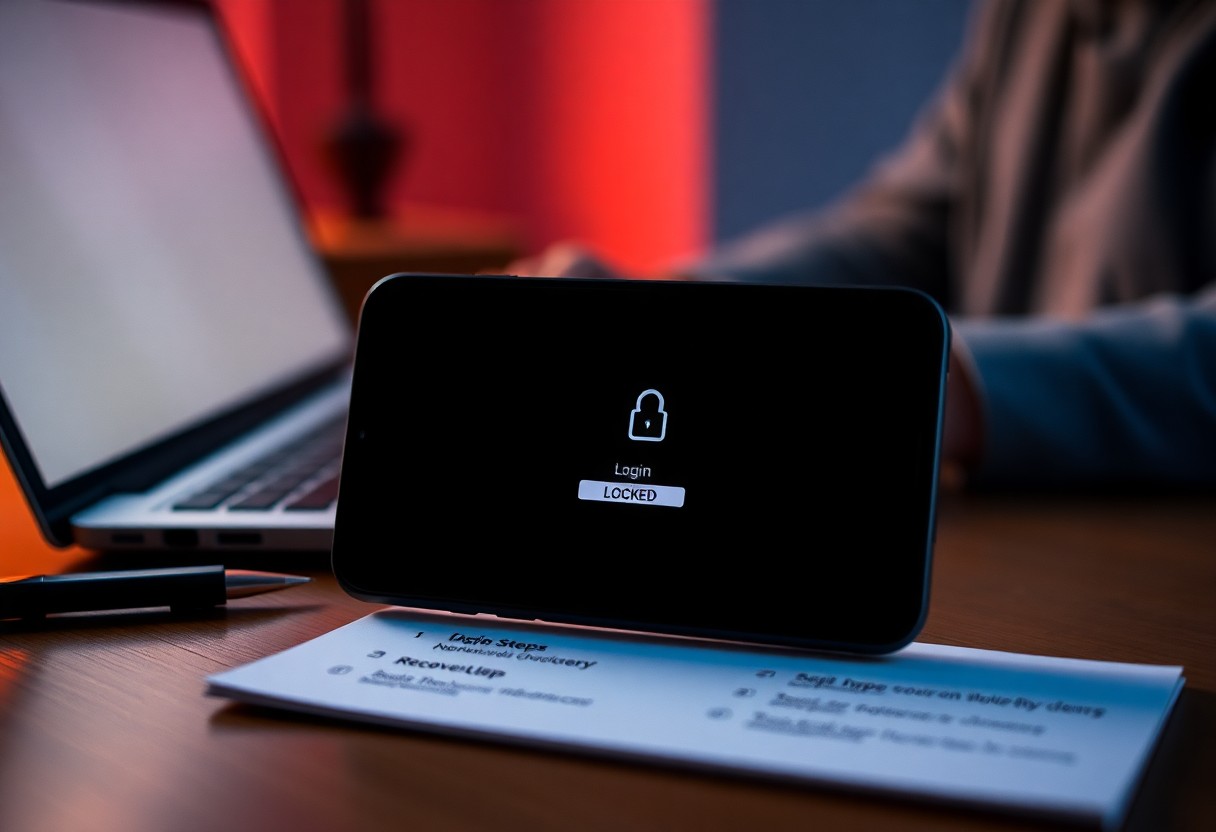
Once you have successfully recovered your hacked Instagram account, there are several immediate actions you need to take to safeguard your online presence. Start by changing your password and ensuring it is unique, combining letters, numbers, and special characters. Next, enable two-factor authentication to add an extra layer of security. Assess your recent activity for any unauthorized actions or changes, and notify your followers about the incident, especially if sensitive content was shared. These steps will help to regain control and rebuild your account's integrity.
Restoring Access to Your Account
To restore access to your Instagram account, immediately change your password if you haven't done so already. If your email address has been altered by the hacker, use the “Forgot Password?” feature to request a password reset link to your original email. Follow the on-screen instructions carefully to regain control. If you can't access your email, Instagram offers a verification process to confirm your identity, such as answering security questions or providing identification.
Securing Your Email and Associated Accounts
Securing your email and any accounts linked to your Instagram profile is important following a hack. Hackers often target associated accounts to gain further access or gather personal information. Start by updating your email password to something strong and unique. Additionally, activate two-factor authentication on your email account. Review your recovery options and ensure that none have been changed. It may also be prudent to check for unusual sign-ins or activity across your linked accounts to prevent future hacks.
Ensuring your email account is robustly secured can significantly mitigate the risk of further breaches. Use a password manager to generate and store complex passwords, making it harder for hackers to infiltrate your accounts. Regularly review your account recovery settings, keeping them up-to-date with current phone numbers and backup emails. Monitoring for suspicious activity in your email can provide early warnings of potential issues, allowing you to act fast before a minor problem escalates into a significant security breach.
Understanding the Breach: What Could Have Happened?
Your Instagram account may have fallen victim to various types of breaches. Password theft, phishing schemes, or even malware can compromise your account security. Often, hackers utilize sophisticated techniques to gain access, which makes it necessary to comprehend the methods they may have employed. Investigating potential vulnerabilities—such as weak passwords or unauthorized third-party apps—is vital for safeguarding your account in the future. For those asking, My Instagram account has been hacked and I cannot ..., understanding the breach can inform your recovery strategy.
Common Hacking Methods Used on Instagram
Password resets through email phishing, keyloggers, and social engineering are common methods employed by hackers. These tactics often target unsuspecting users who may click on deceptive links or divulge personal information, thus providing hackers the access they need. Social media platforms like Instagram can be particularly vulnerable because users often reuse passwords or fail to activate two-factor authentication. By staying informed about these methods, you can better protect yourself and your account.
Identifying Signs of Unauthorized Activity
Recognizing the signs of unauthorized activity on your Instagram account can be the first step towards recovery. Key indicators include unfamiliar login locations or devices, unrecognized messages sent from your account, or sudden changes in profile information. Additionally, if you notice your password has been changed or you are unable to access your account, these are clear red flags. Taking swift action when you notice any of these signs is imperative to prevent further unauthorized access.
Monitoring your account's activity closely can help you identify these signs early. For example, review your login history within the Instagram app to spot unfamiliar locations or devices. Regularly check your sent messages and posts for anything that looks out of place, as hackers may use your account to spam your followers or conduct phishing attacks. If unauthorized activity is detected, acting quickly to change your password and informing your followers can minimize the impact of the breach.
Strengthening Your Digital Security
Taking proactive measures to enhance your digital security can significantly reduce the risk of future hacks. Start by regularly monitoring your accounts and adopting stronger security practices. By being vigilant and employing various security strategies, you pave the way for a safer online presence and instill confidence in your digital activities.
Implementing Robust Password Practices
Choosing a strong and unique password serves as the first line of defense against unauthorized access. Aim for a mix of letters, numbers, and special characters, and avoid using easily guessed information like birthdays or common words. Regularly update your passwords and consider using a password manager to help ensure that each account has a unique, complex password.
Utilizing Two-Factor Authentication Effectively
Two-factor authentication (2FA) adds an additional layer of protection that verifies your identity beyond just a password. By requiring a second form of verification, such as a code sent to your phone, 2FA significantly impedes unauthorized access. Make sure to enable this feature on your Instagram account and any other crucial online services to bolster your security and protect against potential threats.
When you enable two-factor authentication, you typically receive a time-sensitive code via SMS or through an authentication app. This means that even if someone steals your password, they would still need access to your second-factor verification method to log in. Opting for an authenticator app over SMS is generally recommended since it’s less susceptible to interception. By regularly updating your recovery settings in tandem with 2FA, you ensure that your account remains secure from evolving threats.
Mitigating Damage and Rebuilding Your Profile
After recovering your Instagram account, the next step is to mitigate damage and start rebuilding your presence. A thorough examination of your profile is important. Review your bio, profile picture, and highlight covers to ensure they reflect your brand. Restore any missing content by reposting relevant photos and stories, and focus on engaging with your audience to reignite interest in your account. Being active and authentic during this phase can help to regain the trust of your followers and rebuild your online reputation.
Recovering Lost Followers and Content
Regaining lost followers often involves strategies to reconnect with your audience. Consider hosting an interactive Q&A session through Stories or running a giveaway to incentivize engagement. You can utilize analytics tools to track the best times to post, ensuring your content reaches as many people as possible. As for content, reposting popular images and sharing behind-the-scenes stories can remind your audience of what they loved about your profile.
Communicating with Your Audience Effectively
Transparency is key in re-establishing communication with your audience. Inform your followers about the hack, and let them know how you're addressing their concerns. Updates can be shared through posts and Stories, providing insights into the recovery process and inviting direct feedback. Utilize polls and questions to engage them in discussions, making your audience feel valued and included as you rebuild your profile.
This transparency not only demonstrates your commitment but also builds a sense of community among your followers. Sharing details about the preventive measures you're implementing against future breaches reassures them of your dedication to their safety. Highlight new security features you've adopted, like two-factor authentication, which may resonate with users who share similar concerns. By open lines of communication, you foster an environment of trust and loyalty that can reinforce your relationship with your audience post-recovery.
Psychological Impact: Coping with Insecurity and Anxiety
The experience of having your Instagram account hacked can leave you feeling vulnerable and anxious. It’s not just about losing followers or content; this breach of privacy can lead to feelings of insecurity and fear about your online presence. Coping with these emotions requires a deliberate approach, including seeking support and understanding the broader implications of cyberattacks. For more resources on dealing with a hacked Instagram account, check out How to Recover a Hacked Instagram Account [Step by Step].
Recognizing the Emotional Effects of Being Hacked
Strategies for Regaining Confidence Online
Restoring your confidence online is a gradual process that involves both personal and practical steps. Start by changing your passwords, implementing two-factor authentication, and reviewing your privacy settings. Additionally, take time to reflect on your social media goals and why you engaged with Instagram in the first place. Focusing on positive interactions, curating a supportive network, and avoiding engagement with negative accounts will help reestablish your comfort online. Regularly updating your friends and followers on your feelings can also foster a sense of community and support.
Taking small, constructive steps can significantly enhance your sense of safety and confidence. Begin by limiting your social media time, which will help you regain a more balanced perspective. Engage in offline activities that reinforce your identity outside the digital world, and seek out communities or support groups that understand your experience. By prioritizing your mental health and taking proactive measures, you can create a positive online presence that feels authentic and secure.
Summing up
Conclusively, if your Instagram account has been hacked and then recovered, it’s important to take proactive steps to strengthen your security. Start by changing your password to a strong, unique one and enable two-factor authentication for added protection. Review your account for any unauthorized changes, and remove any suspicious third-party apps. Additionally, keep an eye on your email and connected accounts for any unusual activity. By establishing these precautions, you can help safeguard your account against future threats and maintain control over your digital presence.
FAQ
Q: What steps should I take immediately after discovering my Instagram account has been hacked?
A: First, attempt to reset your password by clicking on "Forgot Password?" on the login screen. If you can access your email or phone number linked to the account, follow the instructions sent to you. If not, try the “Need more help?” option for recovery assistance. Check if any unauthorized email changes were made and reverse them if possible. Secure your email account as well.
Q: How can I tell if my Instagram account has indeed been hacked?
A: Signs that your account may have been hacked include changes in your profile information you didn’t make, unauthorized posts or messages being sent from your account, or if you are unable to log in but your password hasn’t changed. Additionally, friends may reach out to inform you of suspicious activity from your account.
Q: What should I do if I regain access to my account?
A: Once you regain access, immediately change your password again, and enable two-factor authentication for added security. Review your account settings to check for any unauthorized changes, and remember to log out of all devices through the security settings. It's advisable to check your connected apps and remove any that you do not recognize or did not authorize.
Q: Can I recover my account if the hacker changed my email address and phone number?
A: Yes, you still have options. Use the Instagram app or website to start the account recovery process by selecting “Need more help?” under the login page. Follow the prompts to verify your identity. Instagram may ask for identifying information, such as your original email address or phone number, to help recover the account.
Q: What preventive measures can I take to secure my Instagram account after recovery?
A: To enhance security, ensure you are using a strong, unique password that you don’t use anywhere else. Activate two-factor authentication (2FA) to add an extra layer of protection. Regularly check your login activity under the security settings and remove any unfamiliar devices. Be cautious about suspicious links or messages and stay updated on common hacking techniques to prevent them in the future.


 Posts
Posts


0 Comments