You can enhance the security of your website by implementing a free SSL certificate through Let’s Encrypt. This open-source solution allows you to encrypt communication and establish trust with your users, all without incurring any costs. In this post, you'll discover the step-by-step process to obtain and install a Let's Encrypt SSL certificate, ensuring your website remains secure and your data safe. By following these guidelines, you can boost your site's credibility and improve its ranking in search engine results.
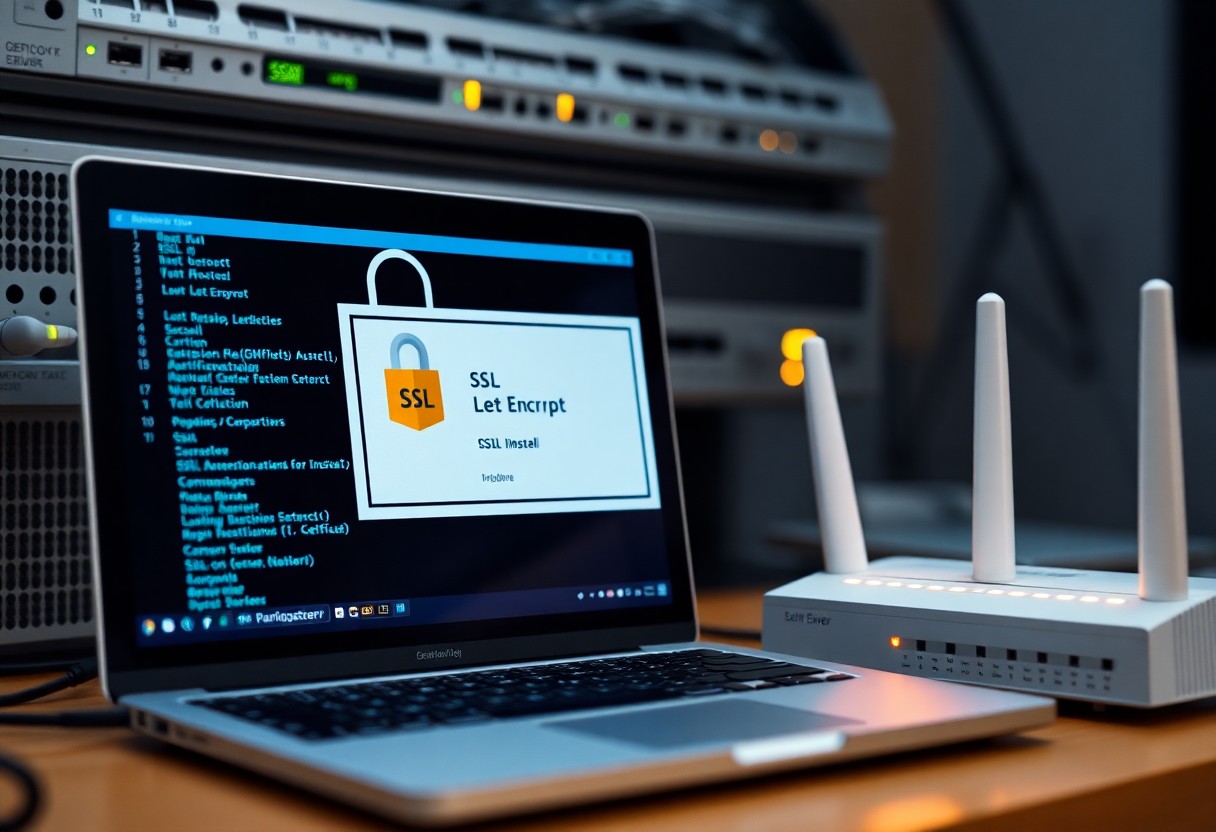
The Critical Importance of SSL for Website Security
SSL (Secure Sockets Layer) is not just a buzzword; it’s a fundamental aspect of website security that protects sensitive data during transmission. Without SSL, information exchanged between your site and its visitors is susceptible to interception by cybercriminals. Implementing SSL effectively encrypts communications, shielding against risks such as data breaches and identity theft, which can have devastating repercussions for both you and your users.
Protecting User Data and Privacy
Your visitors expect their data to be safe, especially when entering sensitive information like credit card numbers or personal identification details. SSL encryption serves as a protective shield, ensuring that unauthorized parties cannot access or manipulate the data transmitted between your website and its users. This level of security not only safeguards their information but also aligns with privacy regulations that demand stringent data protection measures.
Increasing Trust and Credibility
Trust is a cornerstone of any online interaction. Websites secured with SSL display visual indicators, such as a padlock icon in the address bar, which immediately signals a secure connection to your visitors. Studies have shown that users are 80% more likely to purchase from a site that demonstrates visible security. Therefore, implementing SSL is not just a matter of safety; it’s a strategic move that enhances your brand’s credibility and encourages conversions, as customers feel more confident engaging with a secure website.
Building trust goes beyond just showing a padlock; it involves transparent security practices and consistent communication about data protection. You can enhance credibility further by obtaining an Extended Validation (EV) SSL certificate, which details your company's identity and displays your organization's name prominently in browsers. This not only reassures your users but significantly reduces the risk of cart abandonment, as clients are more likely to proceed with their transactions when they feel secure. Additionally, search engines like Google give preference to HTTPS sites, boosting your SEO performance, which in turn increases your visibility and trustworthiness online. You are not just securing your website but investing in a stronger relationship with your audience, ultimately leading to greater brand loyalty.
Demystifying Let’s Encrypt: The Free SSL Solution
Let’s Encrypt has revolutionized website security by offering free SSL certificates, making HTTPS accessible for everyone. This nonprofit certificate authority issues these certificates through automated processes, which simplifies obtaining SSL compared to traditional methods. The mission is clear: to promote a safer web by enabling secure connections across the internet without the barrier of cost. With Let’s Encrypt, you can protect your website and its users without incurring additional expenses, allowing you to focus on your content and services with peace of mind.
How Let’s Encrypt Works and Its Benefits
Let’s Encrypt operates through a straightforward system that automates the issuance and renewal of SSL certificates. When you request a certificate, Let’s Encrypt performs a domain validation process to ensure you control the domain. Once verified, a certificate is issued, enabling encrypted connections for your users. The key benefits include reduced costs, easy integration with hosting providers, and automatic renewals that eliminate the risk of expired certificates, enhancing both security and user trust.
Common Misconceptions and Limitations
Despite its advantages, several misconceptions surround Let’s Encrypt. Some believe that free SSL certificates are less secure than paid options, which isn’t true; both provide the same encryption standard. However, it’s worth noting that Let’s Encrypt certificates typically expire every 90 days, necessitating renewal. Additionally, they do not provide warranties or support, making them less suitable for high-stakes business environments where trust and assurance are paramount.
Further addressing the misconceptions, some users may assume that the absence of a warranty equates to inferior security. However, Let’s Encrypt provides the same level of encryption as paid SSL certificates. The short lifespan of 90 days also means you need to set up automated renewal processes, which can be a hurdle for less tech-savvy individuals. Additionally, it's imperative to understand that while Let’s Encrypt is great for blogs or small sites, larger businesses may prioritize certificates with extensive support and warranties that come with premium options from other providers.
Step-by-Step Guide to Obtaining and Installing Let’s Encrypt SSL
| Step | Details |
|---|---|
| 1. Preparing Your Server Environment | Ensure you have access to your server with SSH. Validate that your package manager is up to date and install necessary dependencies. |
| 2. Using Certbot for SSL Installation | Run Certbot to automate the process of obtaining and installing your SSL certificate without hassle. |
Preparing Your Server Environment
Your server should be prepared for installation by ensuring you have SSH access and the appropriate permissions. Update your system's package manager to the latest version, as this will help you easily download and install dependencies. Depending on your operating system, you may need to install software like Apache or Nginx to appropriately serve your website.
Using Certbot for SSL Installation
Certbot simplifies the process of obtaining and installing Let's Encrypt SSL certificates. Once your server is prepared, you can install Certbot using your package manager, which will handle the process of certificate issuance for you. Running just a few commands will enable you to configure and automate HTTPS for your site.
Using Certbot, you initiate the installation process by executing the command relevant to your web server. For instance, `sudo certbot --apache` or `sudo certbot --nginx` will automatically configure your server to enable SSL. Certbot also offers an option for automatic renewal, meaning you don't have to worry about your SSL certificate expiring. Regular updates ensure your site's security without ongoing manual interventions.
Troubleshooting Common Issues After SSL Installation
After installing SSL using Let’s Encrypt, you might encounter some common issues that can affect your website's performance and security. Rapid diagnostics and resolutions ensure a seamless experience for your visitors. Address these challenges promptly to maintain trust and integrity on your platform. Checking for proper certificate implementation and functionality will help you resolve potential errors efficiently.
Diagnosing Certificate Errors and Warnings
Certificate errors may arise from incorrect installations or expired certificates. A frequent issue involves mismatched URLs; if your site URL uses "http" instead of "https," browser warnings will alert users. Use SSL testing tools such as SSL Labs to assess your certificate and debugging options to pinpoint specific errors that may hinder your secure connection.
Ensuring Proper Configuration and Functionality
Verifying your website's SSL configuration ensures optimal performance and security. First, check that your server properly redirects HTTP traffic to HTTPS, which helps protect user data. Implementing tools like mixed content scanners will help identify elements that remain unencrypted, allowing you to address any vulnerabilities. Additionally, maintain an updated installation of your CMS and plugins to avoid compatibility issues with the SSL certificate.
Keeping Your SSL Certificate Current: Best Practices
Regularly updating your SSL certificate is vital for maintaining your website's security. Since Let's Encrypt certificates are valid for 90 days, setting up a reliable renewal process ensures you won't experience downtime or loss of trust from your visitors. Additionally, staying informed about best practices for SSL management can enhance your site's security posture and reduce potential vulnerabilities associated with certificate expiration.
Automating Renewal with Certbot
Using Certbot simplifies the renewal process significantly. With a simple command, you can set up automated renewals for your Let's Encrypt certificate, eliminating the risk of accidental lapses. Configure a cron job to run Certbot's renewal command periodically, which ensures that your certificate is renewed before it expires, maintaining uninterrupted security for your website.
Monitoring and Maintaining Certificate Security
Ongoing monitoring of your SSL certificate's status is critical. Tools like SSL checker can notify you if your certificate is about to expire or if there are any misconfigurations. Regular checks help you ensure that your certificate is installed correctly and that it aligns with the latest security standards, protecting both your site and its users from potential threats.
In addition to monitoring expiration dates, keep track of SSL protocols used by your server. Regular audits help identify outdated or weak encryption protocols that could leave your site vulnerable. Implementing a policy for routine maintenance and updates, including your web server and any associated libraries, fortifies your certificate's effectiveness. Engaging with online services that offer continuous SSL monitoring can provide an additional layer of protection, alerting you to any critical issues that may arise. By staying proactive in managing your SSL certificate, you ensure that your website remains a safe environment for your visitors.
Final Words
Upon reflecting, securing your website with free SSL using Let’s Encrypt is an effective way to protect your online presence and enhance user trust. By following the steps outlined in this guide, you can easily implement SSL encryption and improve your site’s security. With this vital measure in place, you ensure that sensitive data exchanged between your users and your website remains private. Investing time in this process ultimately elevates your site’s credibility and can positively influence your SEO rankings. Take action today to keep your visitors' information safe and secure.
FAQ
Q: What is Let’s Encrypt?
A: Let’s Encrypt is a free, automated, and open certificate authority that provides digital certificates to enable HTTPS (SSL/TLS) on websites. It aims to make the web more secure by allowing website owners to obtain SSL certificates without any cost or complex procedures.
Q: How can I obtain a free SSL certificate from Let’s Encrypt?
A: To obtain a free SSL certificate from Let’s Encrypt, you can use a software called Certbot. First, ensure your server is compatible and follows the required steps: install Certbot, run it through your terminal or command line, and it will automatically handle the process of requesting and configuring the SSL certificate.
Q: Does using Let’s Encrypt SSL affect my website's performance?
A: Using a Let’s Encrypt SSL certificate typically does not negatively impact website performance. In fact, HTTPS can enhance website security without sacrificing speed. Since Let’s Encrypt certificates are lightweight, most users will not notice a difference in loading times compared to HTTP.
Q: How often do I need to renew my Let’s Encrypt certificate?
A: Let’s Encrypt certificates are valid for 90 days. It is advisable to set up a cron job or a scheduled task to automatically renew your certificate before it expires, ensuring unbroken HTTPS coverage for your website.
Q: What should I do if I encounter an error while installing the Let’s Encrypt SSL certificate?
A: If an error occurs while installing the Let’s Encrypt SSL certificate, first check the logs provided by Certbot to identify the issue. Common problems may include firewall settings, domain verification failures, or improper server configurations. Additionally, ensure that your domain is pointed to the correct IP address and that no other web server is running on port 80 or 443.


 Posts
Posts


0 Comments