You rely on the CPU chip as the brain of your computer, responsible for executing instructions and processing data. Understanding its architecture and functionality is important for evaluating how it influences your device's speed and performance. From multitasking capabilities to gaming and data analysis, the CPU chip directly affects your computing experience. In this post, you'll explore the different components of a CPU, how it interacts with other hardware, and why selecting the right CPU can enhance your overall efficiency and productivity.
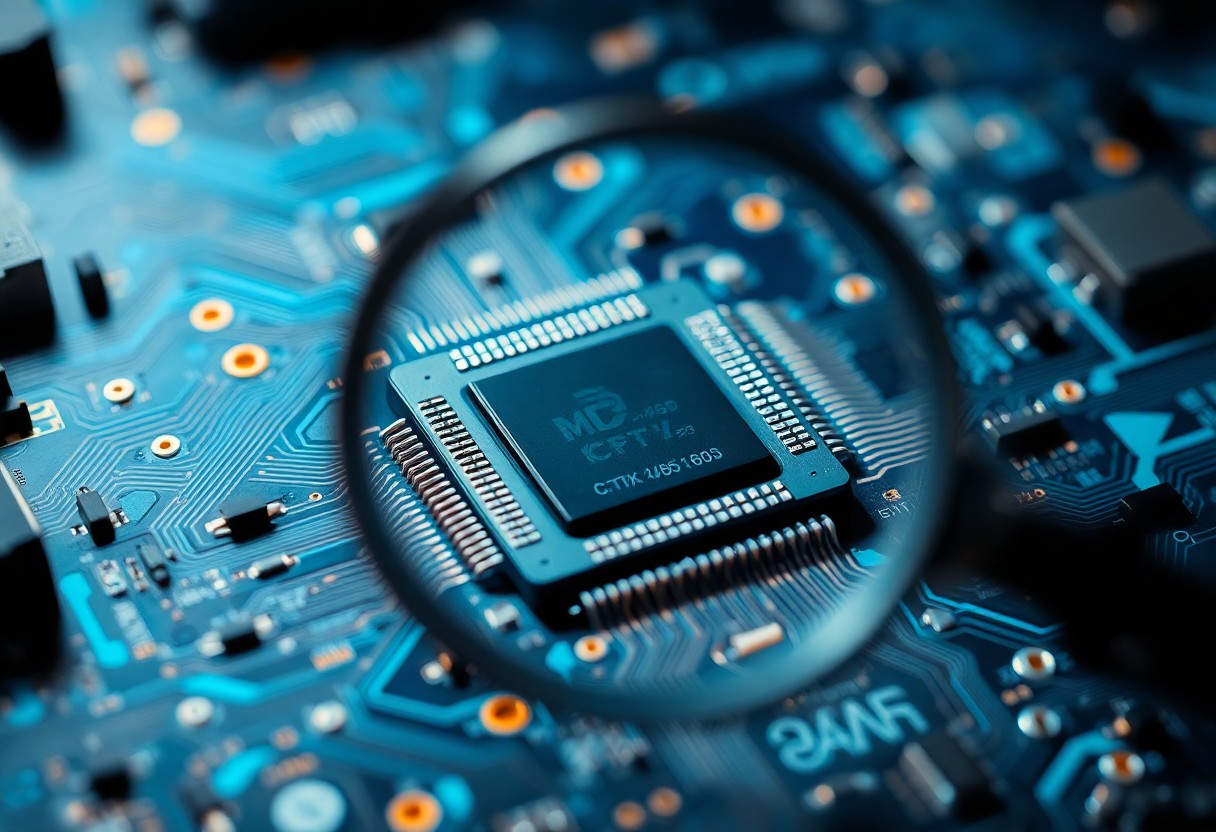
The Architecture of CPU Chips: A Technical Breakdown
The architecture of CPU chips fundamentally determines their performance and efficiency. Modern CPUs are designed using complex microarchitectures that include various layers such as instruction sets, data paths, and caching mechanisms. This intricate design allows for efficient processing by optimizing how data is retrieved and executed. Understanding these architectural elements helps you appreciate how they affect your computing tasks, whether it’s for gaming, software development, or data analysis.
Fundamental Components: What Makes Up a CPU?
Your CPU is composed of several key components, including the Arithmetic Logic Unit (ALU), Control Unit (CU), and cache memory. The ALU performs all arithmetic and logical operations, while the CU manages the flow of data within the CPU. Cache memory acts as a high-speed storage area, reducing access times for frequently used data. Together, these components work to execute instructions efficiently, influencing the overall speed and performance of your computer.
Processors vs. Cores: Understanding Multitasking Capacities
In modern computing, the terms processors and cores are often interchanged, but they represent distinct concepts. A processor may contain multiple cores, with each core capable of executing its own thread. This arrangement allows for true multitasking by enabling a CPU to handle multiple tasks simultaneously. Cores can independently process instructions, effectively doubling or tripling your CPU’s capabilities in certain applications, particularly in demanding environments such as video editing or gaming.
When evaluating your computer's multitasking abilities, the number of cores present in your CPU plays a vital role. For example, a quad-core processor can tackle four threads at once, which significantly enhances performance during parallel processing tasks. In contrast, a dual-core processor might struggle with handling multiple demanding applications simultaneously. The ability of modern CPUs to manage multiple cores allows for seamless switching between tasks and ensures a smoother user experience, especially when engaging in heavy workloads or complex computations.
Clock Speed and Performance: The Race Against Time
Clock speed serves as a fundamental metric for evaluating CPU performance, dictating how many cycles a processor can execute in a second. Measured in hertz (Hz), a higher clock speed often correlates with faster processing capabilities, allowing your computer to handle tasks more efficiently. However, clock speed alone isn't the sole determinant of performance; other factors such as architecture and core count also come into play. Balancing these elements ensures that you achieve optimal performance tailored to your specific computing needs.
The Role of Clock Speed in Computational Power
Clock speed significantly influences computational power, impacting how quickly your CPU can process instructions. For instance, a 3.0 GHz processor executes up to 3 billion cycles per second, translating to better performance in both single-threaded and multi-threaded applications. Higher clock speeds allow for smoother multitasking, faster data handling, and improved responsiveness, making it easier for you to run demanding software without lag.
Turbo Boost and Dynamic Frequency Scaling: Enhancing Performance
Turbo Boost and dynamic frequency scaling are technologies that allow your processor to increase its clock speed above the base operating frequency to optimize performance during demanding tasks. This functionality helps your CPU adapt in real-time, ensuring that you get the speed you need without permanently elevating power consumption. When performing intensive applications, your system can tap into this extra power to enhance performance without sacrificing efficiency.
For example, Intel’s Turbo Boost technology can dynamically adjust clock speeds by automatically increasing the frequency of active cores based on thermal and power thresholds. If you're gaming or rendering high-resolution video, the processor can reach speeds beyond its base level for a short duration, delivering the extra horsepower required for optimal performance. This technology illustrates a balance between raw speed and energy efficiency, ensuring you maintain effective performance during spikes in workload without overheating your system.
The Impact of Microarchitecture: More Than Just a Design Choice
The microarchitecture of a CPU plays a vital role in determining how effectively it can process instructions. This design influences various factors such as power consumption, efficiency, and overall performance. Choosing an advanced microarchitecture can result in significant gains, delivering more operations per clock cycle and reducing latency. With improvements in pipeline design, branch prediction, and parallel processing capabilities, your computing experience becomes more seamless and responsive, making the selection of microarchitecture a key element in optimizing a CPU's capabilities.
Optimizing Instruction Sets for Improved Efficiency
Instruction sets are tailored to enhance the execution of specific tasks efficiently. By streamlining the set of commands that a CPU can execute, manufacturers reduce the overhead associated with instruction decoding and increase throughput. For instance, modern chips often incorporate specialized instructions, such as SIMD (Single Instruction, Multiple Data), allowing simultaneous processing of multiple data points, which significantly accelerates tasks like multimedia processing and scientific computations.
How Cache Memory Influences Speed and Access Times
Cache memory directly affects your system's speed and responsiveness by storing frequently accessed data closer to the CPU. This proximity allows for rapid retrieval compared to accessing the slower main memory. The multi-level cache hierarchy (L1, L2, and sometimes L3) optimizes data access, with L1 being the fastest and closest to the core. Each layer increases in size but offers slower access, allowing your CPU to efficiently manage workload demands and enhance overall performance.
Cache memory acts as a critical intermediary between the CPU and main memory, significantly reducing access times for frequently utilized data. For example, the L1 cache can access data in mere nanoseconds, while fetching from main memory might take hundreds of nanoseconds. This disparity underscores the importance of having adequate cache sizes and effective management algorithms. A well-designed cache architecture intelligently predicts which data will be needed next, allowing the system to preemptively load these instructions, thus minimizing wait times and ensuring smoother operations, especially during intensive multitasking and complex computations.Energy Efficiency and Thermal Management: Balancing Power and Performance
Achieving optimal performance in modern CPUs requires a delicate balance between energy efficiency and thermal management. Power consumption has a direct impact on performance, with higher energy usage generating more heat. This necessitates sophisticated cooling solutions to maintain operational integrity, ensuring that the CPU can perform at peak capacity without overheating. Manufacturers are increasingly focused on optimizing power-to-performance ratios to cater to both high-performance computing demands and eco-friendly practices.
The Importance of Thermal Design Power (TDP)
Thermal Design Power (TDP) represents the maximum amount of heat a CPU is expected to generate under typical workloads. TDP is a critical metric for system builders and users, as it influences cooling requirements and power supply capacities. Understanding TDP helps you choose appropriate cooling solutions, ensuring that your CPU remains within operational limits while providing the performance you expect.
Innovations in Cooling Solutions: Keeping the CPU Alive
Advanced cooling solutions are necessary to manage the heat produced by modern CPUs, as they push the limits of performance. Innovations such as liquid cooling, phase-change cooling, and advanced thermal compounds enhance heat dissipation, allowing CPUs to maintain high speeds without overheating. By utilizing these innovative technologies, you can effectively prolong the life of your CPU and maximize its performance.
Liquid cooling systems, for example, use a circulating coolant to absorb and transfer heat away from the CPU, often resulting in lower temperatures than traditional air coolers. This method allows CPUs to operate at higher clock speeds for longer periods, improving overall performance. Additionally, phase-change cooling utilizes the transition of materials between gas and liquid states to achieve extreme cooling, suitable for overclocking enthusiasts. Advanced thermal compounds improve heat transfer between the CPU and cooling apparatus, further enhancing efficiency. These innovations collectively create an environment where CPUs can thrive, delivering robust performance while maintaining thermal integrity.
Practical Implications: Choosing the Right CPU for Your Needs
Selecting the optimal CPU involves considering your specific computing needs. If you're focused on gaming, prioritize high clock speeds and strong single-core performance. For content creation or data-intensive tasks, look for CPUs with multiple cores and threads, as these will handle parallel processing more effectively. Evaluating benchmarks relevant to your usage will ensure you invest in a processor that meets your performance expectations without overspending on unnecessary features.
Gaming vs. Professional Use: Tailoring Choices to Tasks
In gaming, a CPU with excellent single-thread performance can significantly enhance your experience, while professional applications benefit from higher core counts for multitasking capabilities. Gamers should focus on models with faster clock speeds and robust thermal management, while professionals may prioritize CPUs that excel in multiprocessing tasks to expedite workflows and render times.
Future-Proofing Your Setup: What to Look for in Modern CPUs
Future-proofing your setup requires looking at the latest architectures and technologies in CPUs. Opt for processors that support advanced features like DDR5 memory, PCIe 5.0, and integrated graphics, ensuring compatibility with upcoming hardware. Invest in models with ample core counts and thread support, as software increasingly exploits multi-core architecture. A longer upgrade cycle can be achieved by selecting a CPU that remains relevant for several years, avoiding frequent replacements.
Processors like AMD's Ryzen 7000 series and Intel's 13th Gen Core CPUs exemplify future-ready technology, featuring increased core counts and heightened efficiency. These CPUs not only support new memory standards but also prioritize thermal efficiency and overclocking potential, ensuring your system can adapt to emerging computational demands. As applications evolve, your investment in a robust CPU today can translate to sustained performance and longevity for your setup.
Summing up
So, understanding what a CPU chip is and how it impacts performance in modern computing is necessary for you as a user and builder of technology. The CPU acts as the brain of your computer, processing instructions and executing tasks that determine your device's overall speed and efficiency. By choosing a CPU with the right specifications for your needs, you can significantly enhance your computing experience, whether for gaming, professional software applications, or everyday tasks. Your selection of a CPU directly affects your system's performance, making it a pivotal element in modern computing.
FAQ
Q: What is a CPU chip?
A: A CPU chip, or Central Processing Unit, is the primary component of a computer that executes instructions from programs. It performs basic arithmetic, logic, control, and input/output operations specified by the instructions in a program.
Q: How does a CPU chip impact overall performance?
A: The performance of a CPU chip significantly affects the speed and efficiency of a computer. A faster CPU can process more instructions per second, leading to quicker execution of tasks and better multitasking capabilities.
Q: What are the main specifications of a CPU chip that affect its performance?
A: Key specifications include clock speed (measured in GHz), number of cores, cache size, and thermal design power (TDP). Higher clock speeds and more cores allow for better performance, especially in demanding applications.
Q: How does the architecture of a CPU chip influence its capabilities?
A: CPU architecture determines how instructions are processed and how efficiently the chip can handle various tasks. Modern architectures include enhancements that improve performance, energy efficiency, and support for multitasking or parallel processing.
Q: What role does a CPU chip play in gaming and graphic-intensive applications?
A: In gaming and graphic-intensive applications, the CPU chip is responsible for managing all calculations related to game logic, AI, and physics, while also communicating with the GPU. A powerful CPU can enhance frame rates and overall gaming experience.


 Posts
Posts


0 Comments