Over the past decade, your GPU Graphics Processing Unit video card has become an vital component for gaming, design, and AI applications. This powerful hardware not only elevates your gaming experience with stunning graphics but also enhances your design work by accelerating rendering processes. Furthermore, as AI continues to evolve, understanding how to leverage your GPU for these applications can significantly impact performance. For more insight, check out Why GPUs Are Great for AI.
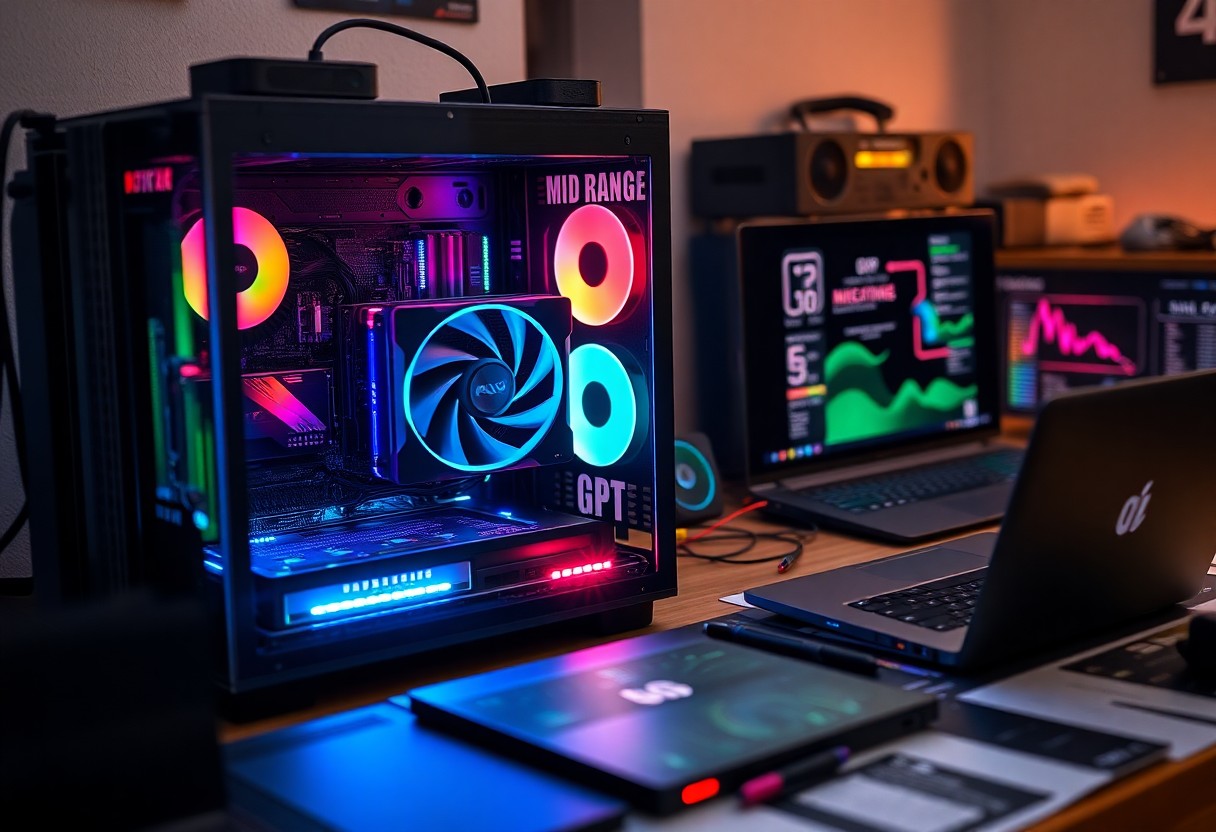
Key Takeaways:
- GPUs enhance gaming performance by enabling higher frame rates and improved graphics rendering.
- In design applications, GPUs accelerate rendering and allow for real-time visualizations, improving workflow efficiency.
- GPUs play a vital role in AI applications by facilitating faster processing of complex algorithms and large datasets.
Understanding GPU Architecture
The architecture of a GPU determines its efficiency in processing graphics and executing complex algorithms. Key components such as cores, memory bandwidth, and pipeline stages contribute to the overall performance. For an in-depth look at these elements, explore What Is a GPU? Graphics Processing Units Defined.
Core Components of a GPU
A GPU comprises several core components, including Shader Units, Memory Interface, and Raster Engines. Shader Units execute instructions for rendering images and performing calculations, while the Memory Interface ensures fast data transfer between the GPU and its memory. Raster Engines handle converting 3D models into 2D images on your display, making these components integral for high-quality graphics rendering.
Differences Between Integrated and Dedicated GPUs
Integrated GPUs share system resources with your CPU, offering basic graphics capabilities suited for less demanding tasks. Dedicated GPUs, however, have their own memory and processing power, delivering superior performance for gaming, graphic design, and AI applications. This distinction can significantly impact your computing experience, especially in scenarios requiring intensive graphic processing.
Dedicated GPUs outperform integrated solutions by offering enhanced memory, parallel processing capabilities, and specialized architecture designed for graphics tasks. While integrated GPUs suffice for routine applications, dedicated GPUs excel in rendering high-resolution graphics, running intensive software like CAD programs or modern games, and handling AI tasks with greater efficiency. This performance gap is especially noticeable in scenarios where real-time processing and rendering speeds are critical, making dedicated GPUs a better choice for enthusiasts and professionals alike.Importance of GPU in Gaming
You experience smoother gameplay and stunning visuals directly thanks to the power of your GPU. Modern games demand substantial graphical resources, making a high-performance video card necessary for rendering lifelike environments, character models, and complex animations. A capable GPU enhances your overall gaming experience, providing meticulous detail and visual fidelity that immerse you in the game world.
Enhancing Graphics and Frame Rates
Your GPU significantly boosts graphics quality and frame rates, resulting in a more enjoyable and immersive gaming experience. With advanced technologies like ray tracing and AI-enhanced graphics, you can enjoy more realistic lighting and shadows. This not only makes games visually stunning but also has the potential to elevate your competitive edge by ensuring smoother, more responsive gameplay.
Role in Virtual Reality and Immersive Experiences
In virtual reality, the demands on your GPU are even greater, as it must render two separate images simultaneously for each eye, which increases the workload significantly. A high-performance GPU facilitates low latency and high frame rates necessary to prevent motion sickness and deliver seamless, immersive VR experiences. Your GPU’s capabilities define how realistic and engaging your virtual environments can become.
Immersive experiences in VR rely heavily on the GPU's ability to produce high-quality graphics at rapid speeds. For instance, VR applications require frame rates of at least 90 FPS to create a comfortable environment without inducing motion sickness. GPUs like NVIDIA's RTX series or AMD's Radeon RX line utilize advanced rendering techniques, ensuring fluid motion and sharp detail that enhance interactivity. This level of performance allows you to explore fully realized worlds, interact with complex objects, and feel integrated into the experience, making VR gaming and applications incredibly compelling and engaging.
GPU Applications in Design
Design applications leverage GPU technology to enhance creativity, streamline workflows, and improve overall efficiency. The ability to process complex visual data in real time allows designers to push boundaries, resulting in richer and more immersive experiences. From creating intricate textures to executing detailed lighting effects, GPUs play a vital role in transforming ideas into compelling visuals.
Impact on 3D Modeling and Animation
Utilizing a GPU in 3D modeling and animation speeds up rendering times significantly, enabling you to visualize changes instantly. This acceleration allows for more iterations in less time, giving you the freedom to explore creative concepts without the typical waiting periods associated with CPU processing. Consequently, projects reach completion faster while maintaining high-quality outputs.
Acceleration in Graphic Design Software
Graphic design software increasingly incorporates GPU acceleration, resulting in smoother performance during image processing and pattern rendering. This capability not only enriches your design experience but also reduces lag, allowing you to focus on creativity without interruptions. Tools such as Adobe Photoshop and Illustrator harness this power to enhance real-time previews and effects.
For instance, Adobe Photoshop's Mercury Graphics Engine utilizes GPU resources to improve features like image scaling and filtering. By employing the GPU, you can handle high-resolution images seamlessly, apply intricate filters without slowdown, and utilize intelligent tools like Content-Aware Fill more efficiently. This optimization means you can spend less time managing technical limitations and more time crafting your vision. Enhanced performance can lead to increased productivity, enabling designers to meet tighter deadlines without sacrificing quality.
AI and Machine Learning with GPUs
In AI and machine learning, GPUs significantly enhance computational speed and efficiency, driving innovation across various sectors. They excel at processing vast datasets rapidly, making them indispensable for real-time analytics and model training. You can explore more on What is a GPU & Its Importance for AI.
Parallel Processing Capabilities
GPUs are designed with thousands of cores capable of parallel processing, which allows them to handle multiple tasks simultaneously. This architecture is particularly effective for training complex machine learning models, where you can execute numerous calculations at once, significantly accelerating the training time compared to traditional CPUs.
Applications in Deep Learning Models
Deep learning, a subset of machine learning, heavily relies on GPUs for its complex computations. They enable the rapid training of neural networks by processing large amounts of data in parallel, leading to improved accuracy and faster convergence. You will find that tasks such as image recognition, natural language processing, and recommendation systems are performed more efficiently with GPU support.
Deep learning models benefit from GPUs due to their ability to optimize long training periods. For instance, NVIDIA's Tesla V100 GPU can deliver over 120 teraflops of performance, which significantly reduces the time taken to train models like convolutional neural networks (CNNs) used in image classification tasks. Additionally, research indicates that using GPUs can decrease training times from weeks to hours, allowing for more experimentation and iterative improvement in models.Choosing the Right GPU for Your Needs
Selecting the appropriate GPU hinges on your specific requirements, whether for gaming, design, or AI applications. Understanding the balance between power and your budget is crucial. Evaluating your current and future needs ensures you invest wisely in technology that delivers the performance you seek.
Factors to Consider: Performance vs. Cost
Performance and cost play pivotal roles in your GPU selection. High-end models offer better graphics and processing speed but come at a premium price. Consider these crucials:
- Your primary use case (gaming, design, AI)
- Resolution and refresh rates of your monitor
- Current and future software requirements
- Available budget for upgrades
Knowing these factors helps streamline your decision-making process.
Popular GPU Brands and Models
Leading GPU manufacturers include NVIDIA, AMD, and Intel, each offering a range of models tailored to different user needs. NVIDIA’s GeForce RTX series is renowned for its real-time ray tracing capabilities, ideal for high-performance gaming and design. AMD’s Radeon RX series delivers competitive performance, especially in value-for-money segments. Intel's Iris Xe is emerging as a solid choice for entry-level projects.
The choice of brand significantly impacts your performance experience. NVIDIA GPUs dominate the high-end market, with models like the RTX 3080 and RTX 4090 excelling in demanding tasks, while mid-range options like the RTX 3060 remain popular among gamers. AMD’s RX 6700 XT provides excellent value, making it a favored choice for budget-conscious users. Exploring reviews and benchmarks can help you understand how each model performs in real-world scenarios, guiding you towards the best fit for your needs.
Future Trends in GPU Technology
Emerging trends in GPU technology are set to redefine performance capacities in gaming, design, and AI applications. As developers focus on enhancing computational efficiency, the integration of machine learning and real-time rendering technologies will significantly elevate graphics quality and functionality. Innovations like advanced die stacking and 3D chip architectures are paving the way for more powerful, compact solutions that can handle increasingly complex tasks.
Advancements in Ray Tracing and AI Integration
Ray tracing continues to evolve, offering unprecedented realism in lighting, shadows, and reflections. The incorporation of AI enhances these capabilities, allowing for dynamic adjustments that improve visual fidelity in real-time. GPUs equipped with dedicated ray tracing cores can now simulate natural phenomena more accurately, making gaming visuals indistinguishable from reality.
Evolving Role in Cloud Gaming and Remote Work
As cloud gaming surges, GPUs are becoming imperative for delivering high-performance experiences remotely. These powerful processors enable seamless game streaming by offloading intensive computations to data centers. This shift not only enhances user experience for casual gamers but also facilitates remote design and AI work, as visual tasks can be processed in the cloud, reducing local hardware requirements.
The growing reliance on cloud gaming is transforming how you access and interact with software. For instance, companies like NVIDIA and Google are investing heavily in infrastructure that supports high-quality graphics streaming with minimal latency. This evolution allows you to enjoy resource-intensive games and applications without needing top-tier local hardware, thus broadening accessibility. Furthermore, remote collaboration tools leverage powerful GPUs in the cloud, enabling designers and developers to work seamlessly, regardless of their physical location. With high-speed internet becoming more common, the future promises even more streamlined experiences for both gaming and professional applications.
To wrap up
Upon reflecting, you can appreciate that the GPU is an imperative component in optimizing your experiences in gaming, design, and AI applications. It enhances your visual performance, allowing for stunning graphics and smoother gameplay. In creative endeavors, a powerful GPU accelerates rendering and processing tasks, enabling you to achieve your artistic vision efficiently. For AI applications, it significantly boosts computational capabilities, facilitating faster data analysis and model training. Therefore, investing in a quality video card directly impacts your productivity and enjoyment across these diverse fields.
FAQ
Q: What is a GPU and why is it important for gaming?
A: A GPU, or Graphics Processing Unit, is a specialized processor designed to accelerate graphics rendering. In gaming, a powerful GPU enhances visual quality, increases frame rates, and allows for more complex and realistic environments, resulting in a smoother and more immersive gameplay experience.
Q: How does a GPU benefit design applications?
A: For design applications, a GPU accelerates rendering times and allows designers to work with high-resolution graphics and detailed models efficiently. This results in quicker workflows in software like CAD, 3D modeling tools, and video editing, enabling designers to visualize their projects with better performance and fidelity.
Q: What role does a GPU play in AI applications?
A: GPUs are highly effective in AI applications due to their parallel processing capabilities. They can process multiple calculations simultaneously, which is important for tasks such as training neural networks. This ability greatly accelerates machine learning tasks, improving performance and reducing training times.
Q: Can a GPU affect the overall performance of a computer for various tasks?
A: Yes, a GPU can significantly impact overall computer performance. For gaming, it ensures high frame rates and better graphics. In design and AI, it enhances rendering and processing speeds. A strong GPU allows software to operate more efficiently, benefiting diverse applications.
Q: How do I choose the right GPU for my needs?
A: To choose the right GPU, consider factors such as the specific applications you use, your budget, and performance benchmarks. For gaming, look for high frame rates and resolutions. For design and AI, prioritize GPUs with advanced computational capabilities and memory bandwidth to handle complex tasks effectively.


 Posts
Posts


0 Comments