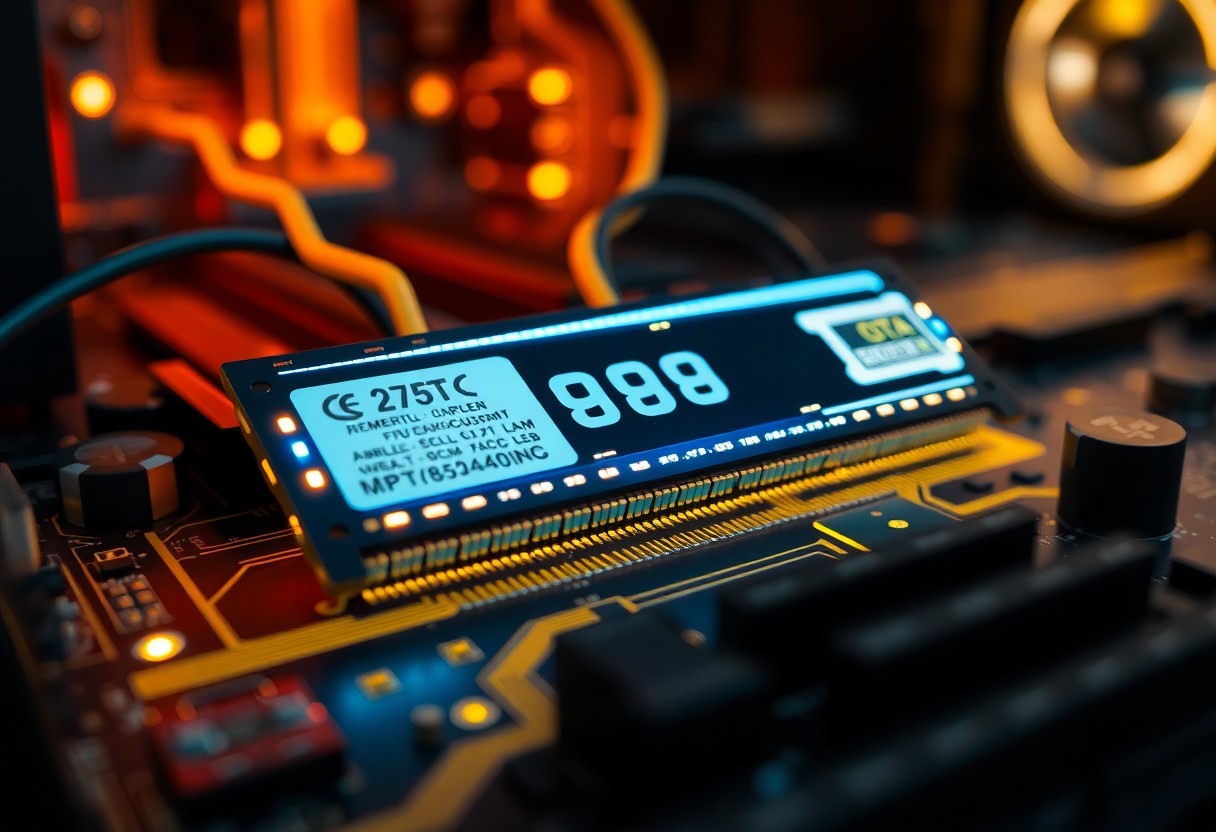
You may not realize it, but the type of memory your computer uses significantly affects its overall speed and performance. Dynamic Random Access Memory (DRAM) plays a vital role in enabling your device to run efficiently by allowing quick data access and processing. Understanding how DRAM works and its impact on system performance can help you make informed decisions about upgrading or optimizing your computer for better speed and responsiveness.
Key Takeaways:
- Dynamic RAM (DRAM) stores data in capacitors that need to be refreshed regularly, impacting speed compared to static methods.
- DRAM enhances computer performance by allowing quick access to data and enabling multitasking capabilities.
- Advancements in DRAM technology, such as DDR (Double Data Rate), have significantly increased transfer rates and efficiency.
Understanding DRAM
Dynamic Random Access Memory (DRAM) serves as a vital component in modern computing, offering speed and efficiency to keep your devices running smoothly. For a deeper look into Random Access Memory (RAM), understanding DRAM is important.
What is DRAM?
DRAM is a type of volatile memory that stores data in capacitors, which require periodic refreshing to maintain information. This architecture allows for faster data access than traditional storage methods, making it an integral part of your system's performance. The ability to read and write data quickly ensures your applications run seamlessly.
Types of DRAM
Different types of DRAM cater to various performance and capacity needs. Common types include Synchronous DRAM (SDRAM), Double Data Rate SDRAM (DDR SDRAM), and more specialized forms like Graphics DRAM (GDRAM). Each type offers unique benefits, tailored for specific applications and performance requirements.
| Type | Description |
| SDRAM | Synchronizes with the system clock for improved performance. |
| DDR SDRAM | Doubles the data rate by transferring data on both edges of the clock cycle. |
| DDR2 SDRAM | Offers higher speeds and efficiency over DDR SDRAM. |
| DDR3 SDRAM | Increases data rate and bandwidth compared to DDR2, reducing power consumption. |
| GDRAM | Designed specifically for graphics performance. |
- Recognizing the differences among these types helps you choose the right memory for your needs.
Further exploration into DRAM types reveals advanced options such as LPDDR (Low Power DDR), which is optimized for mobile devices, and RAMBUS DRAM (RDRAM), which was once prominent in high-speed computing situations. These variations affect performance, power usage, and overall system design. Choosing the correct type based on your usage scenario can significantly impact your system’s efficiency and longevity.
| Type | Description |
| LPDDR | Reduces power consumption, ideal for mobile devices. |
| RDRAM | Once a standard for high-speed data transfer, now mostly obsolete. |
| SDR SDRAM | Single Data Rate, less common due to slower speeds. |
| DDR4 SDRAM | Current standard with significant performance enhancements. |
| VRAM | Specialized for graphics-intensive tasks. |
- Recognizing these distinctions will guide you towards making informed decisions for system upgrades or purchases.
How DRAM Works
Understanding the mechanics of DRAM reveals how it accelerates your device’s performance. DRAM employs a matrix of memory cells that consist of capacitors and transistors, which work together to store and manage data efficiently. Each cell represents a single bit of data, wherein the capacitor holds an electric charge to indicate the presence or absence of a 1 or 0, while the transistor controls access to this charge.
The Role of Capacitors and Transistors
Capacitors serve as miniature batteries, maintaining an electrical charge for brief intervals, while transistors function as switches that allow data to be read from or written to these storage cells. Your computer relies on the ability of these components to quickly toggle between states, which is fundamental to DRAM's operation. This balance between storing and accessing information is what enables fast data processing.
Data Storage and Retrieval Process
The rapid storage and retrieval of data in DRAM occur via a cyclical process. To write data, the correct memory address is activated, allowing the transistor to alter the charge within the capacitor. For retrieval, the process takes a similar path where the charge level indicates the data value. As electronic signals dictate this activity, the speed and efficiency are significantly enhanced, allowing your system to access and manipulate data rapidly.
This cyclic process involves multiple steps, including the use of row and column decoders that pinpoint specific memory cells based on the requested addresses. When you input or retrieve information, signals travel through the chip to the designated locations, activating the appropriate transistors. The voltage level in the connected capacitors then determines the binary state for each cell. The entire process can happen in mere nanoseconds, highlighting the efficiency of DRAM in handling complex applications and multitasking scenarios, ultimately contributing to smoother performance in your computer's overall operation.
Comparing DRAM with Other Memory Types
Understanding the differences between DRAM and other memory types is vital for optimizing your system's performance. While DRAM is widely used for its cost-effectiveness and ability to handle large amounts of data, other types of memory exhibit distinct characteristics that impact speed and efficiency. Here's a quick comparison:
- SRAM: Faster but more expensive, often used for cache memory.
- Flash Memory: Non-volatile and slower, ideal for storage solutions.
- ROM: Read-only and non-volatile, best for firmware.
- NAND: A type of flash memory that offers high storage density.
Thou should consider these differentiations when configuring your system for optimal performance.
| Memory Type | Key Characteristics |
|---|---|
| DRAM | Volatile, cost-effective, high density |
| SRAM | Volatile, faster, more expensive |
| Flash Memory | Non-volatile, slower, used for storage |
| ROM | Non-volatile, read only, used for firmware |
| NAND | Type of flash, high storage density |
SRAM vs. DRAM
SRAM (Static Random-Access Memory) and DRAM serve different purposes in a computer system. Your choice between the two depends on the required speed and cost. SRAM offers faster access times due to its architecture but is significantly more expensive per bit than DRAM. This makes SRAM suitable for cache memory, where speed is necessary, while DRAM is favored for main memory due to its lower cost and higher storage capacity.
DDR SDRAM Variants
DDR (Double Data Rate) SDRAM has evolved through several generations, enhancing performance with each iteration. Variants like DDR2, DDR3, DDR4, and the latest DDR5 increase data rates and bandwidth while reducing power consumption. These improvements enable you to run more applications simultaneously and improve overall system responsiveness.
Each DDR variant offers specific enhancements. DDR2 introduced a higher data rate than its predecessor, DDR, while DDR3 further increased bandwidth and lowered power consumption. DDR4 brought about significant improvements in speed and efficiency, supporting data rates from 2133 MT/s to 4266 MT/s. Finally, DDR5 aims to double the bandwidth, targeting data rates exceeding 8400 MT/s. This evolution signifies a continuous effort to meet the demands of modern computing tasks, allowing your devices to handle intensive applications seamlessly.
Impact of DRAM on Computer Performance
Dynamic RAM plays a pivotal role in enhancing overall computer performance by facilitating faster data access and multitasking. With its ability to store data temporarily and refresh quickly, DRAM minimizes the time your CPU spends waiting for data. As a result, users experience quicker application launches, smoother multitasking, and improved gaming performance, directly correlating to how efficiently your system utilizes its resources.
Speed Enhancements
Speed enhancements delivered by DRAM significantly elevate your computer's responsiveness. Modern DRAM variants, such as DDR4 and DDR5, offer higher clock speeds and increased data transfer rates, often exceeding 3200 MT/s and beyond. This boost in speed ensures that your programs run seamlessly, cutting down on load times and providing an overall smoother user experience.
Memory Bandwidth and Latency
Memory bandwidth and latency affect your system's ability to process data efficiently. Higher bandwidth allows more data to be transferred simultaneously between the CPU and DRAM, while lower latency reduces the time it takes to access that data, leading to notable performance gains. Understanding these parameters is important to optimize your system’s capabilities.
In practical terms, memory bandwidth is measured in gigabytes per second (GB/s) and impacts how quickly data flows between components. For instance, a DDR4 module can support up to 25.6 GB/s, effectively managing tasks such as video editing or gaming. Latency, typically expressed in nanoseconds, indicates the delay between a request for data and the moment it becomes available; low-latency DRAM can significantly enhance the user experience during demanding applications by ensuring swift data retrieval. Balancing both factors optimizes your system's performance and responsiveness.
Applications of DRAM
In Personal Computers
DRAM in personal computers enhances multitasking capabilities, enabling you to run multiple applications seamlessly. With modern software demanding higher memory capacities, DRAM provides the speed necessary for smooth performance in tasks like gaming, video editing, and graphic design. The type and amount of DRAM installed directly affect your PC’s responsiveness and overall user experience.
In Servers and Workstations
In servers and workstations, DRAM plays a vital role in handling large datasets and complex computations efficiently. It allows for quick access to frequently used data, enhancing performance in data-intensive applications like databases, virtualization, and cloud services. Upgrading the DRAM in these systems often leads to significant performance boosts.
Enterprise-level servers typically utilize ECC (Error-Correcting Code) DRAM to ensure data integrity, a critical factor in mission-critical environments. These servers often require large amounts of memory, often exceeding 1TB in high-performance computing scenarios. Workstations used for tasks such as 3D rendering or scientific simulations also depend on DRAM’s speed to process complex calculations rapidly, exemplifying the need for efficient memory solutions in professional environments.
Future of DRAM Technology
Emerging Trends
As you explore the future of DRAM technology, emerging trends focus on increasing bandwidth and efficiency. Innovations such as DDR5 memory deliver faster data rates and improved power management, allowing your systems to handle more data-intensive applications seamlessly. Moreover, low-power DRAM variants are on the rise, catering to mobile devices and IoT applications where energy efficiency is vital.
Next-Generation Developments
Next-generation developments in DRAM are set to transform your computing experience. Technologies like 3D DRAM architecture aim to stack memory cells vertically, drastically increasing density and speed. Coupled with advancements in materials and processes, these innovations promise to push the limits of memory performance, making it possible to process massive datasets with unprecedented efficiency.
3D DRAM, in particular, represents a paradigm shift, enabling memory manufacturers to place more cells in a smaller footprint. This innovation allows for greater capacity without scaling up physical sizes, which is necessary for compact devices. For instance, this technology could lead to modules with multiples of the current standard capacities, enhancing performance in high-demand environments like AI and machine learning. As these developments materialize, you'll notice significant boosts in system responsiveness and overall computational power.
To wrap up
Upon reflecting, you can see that Dynamic RAM (DRAM) plays a vital role in enhancing your computer's speed and performance. Its ability to store and manage data efficiently allows for quick access and processing, significantly improving overall responsiveness. By understanding DRAM's functions and benefits, you can make informed decisions about upgrading your system or optimizing its performance. Embracing these advancements in memory technology can lead to a noticeable enhancement in your computing experience.
FAQ
Q: What is DRAM and how does it work?
A: DRAM, or Dynamic Random-Access Memory, is a type of volatile memory that stores data in cells containing capacitors and transistors. Each cell holds a bit of data, which needs to be refreshed thousands of times per second to retain information, allowing for fast read and write access.
Q: How does DRAM improve computer speed?
A: DRAM enhances computer speed by providing quick access to data for the CPU. Its ability to store and retrieve large amounts of data efficiently enables faster processing and multitasking, contributing to overall system responsiveness.
Q: What are the different types of DRAM?
A: The main types of DRAM include SDRAM (Synchronous DRAM), DDR (Double Data Rate) SDRAM, DDR2, DDR3, DDR4, and DDR5. Each generation improves data transfer rates, bandwidth, and energy efficiency, significantly impacting performance.
Q: How does DRAM differ from SRAM?
A: DRAM (Dynamic RAM) needs regular refreshing to maintain data, while SRAM (Static RAM) does not require refreshing and is faster, but also more expensive and less dense. DRAM is commonly used for main memory, while SRAM is typically used for cache memory.
Q: What factors affect DRAM performance?
A: DRAM performance is influenced by factors such as memory clock speed, latency, bandwidth, the number of memory channels, and the overall architecture of the memory controller. Higher speeds and lower latency values generally lead to improved performance.


 Posts
Posts


0 Comments